Forms&Reports12c – Post installation test
Forms12c and Reports12c: Post installation and configuration test.
Modify your tnsnames.ora-file
<ORACLE_HOME>\user_projects\domains\base_domain\config\fmwconfig
#
#
# sample tnsnames.ora file
# sample entry
#<ALIAS> = (DESCRIPTION =(ADDRESS_LIST =
# (ADDRESS = (PROTOCOL = TCP)
# (HOST = <HOST>)(PORT = <PORT>)))
# (CONNECT_DATA = (SID = <SID>)))
#
# Connect to oracle12c database
ORACLE12C =
(DESCRIPTION =
(ADDRESS = (PROTOCOL = TCP)(HOST = linecode)(PORT = 1521))
(CONNECT_DATA =
(SERVER = DEDICATED)
(SERVICE_NAME = oracle12c)
)
)
Start your servers
- startNodeManager
- startWeblogic
- StartManagedWeblogic (your_web_ser_name)


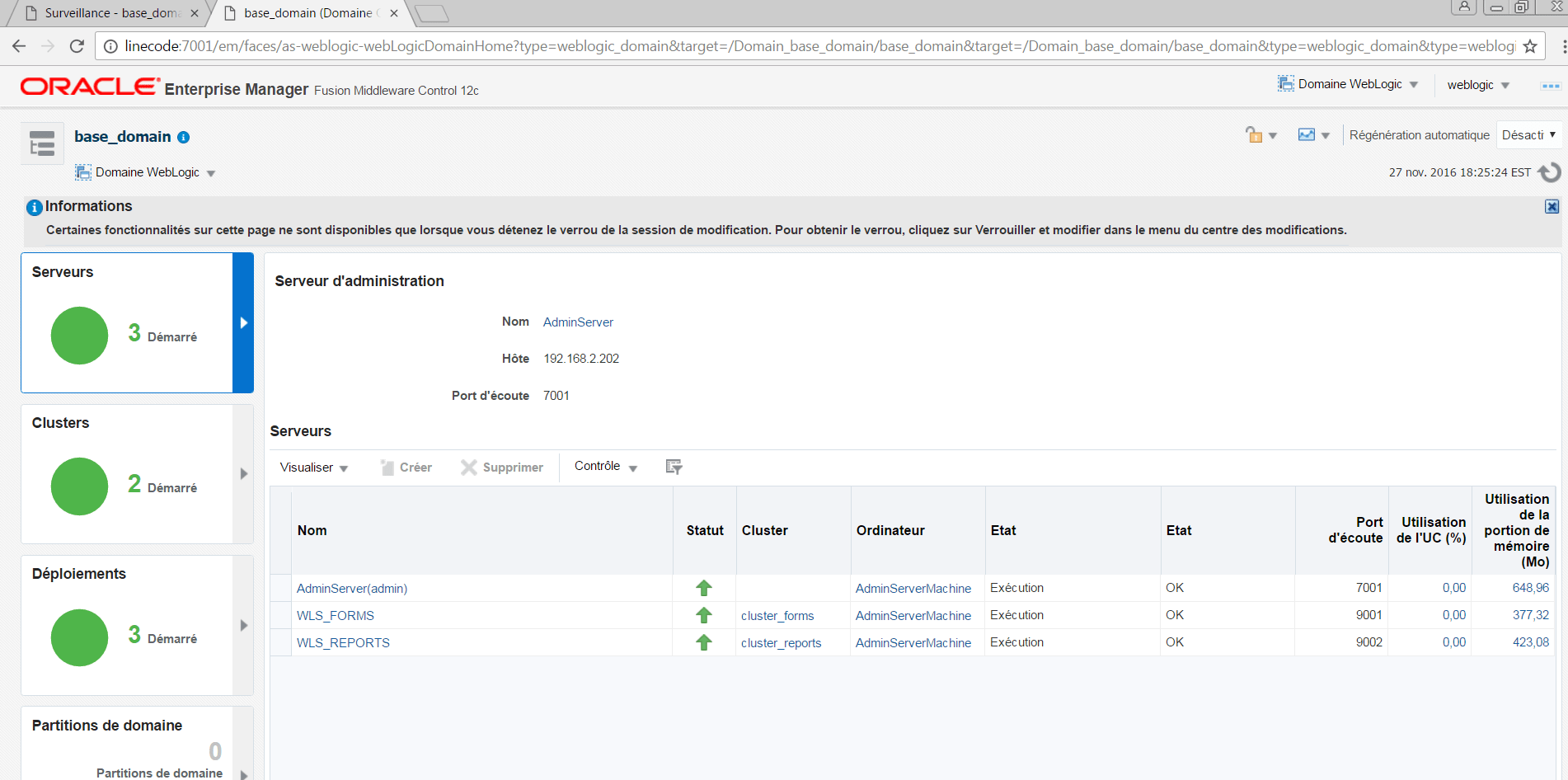

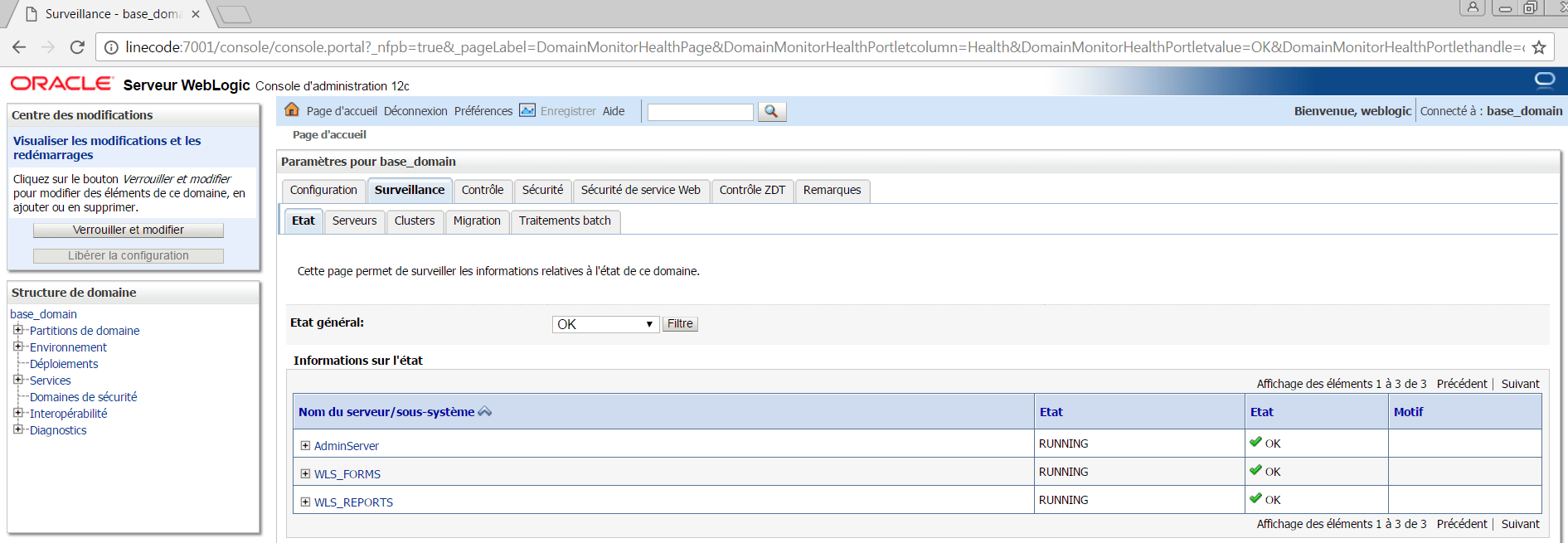
Oracle WebLogic Server (FMW Infrastructure) installation Enabling Auto Login by Using the Boot Identity File
4 Responses to “Forms&Reports12c – Post installation test”
Leave a Reply
About Me

Senior oracle DBA/Developer | OCI Certified | OCP | OCE Sql Certified Expert


some really tremendous work on behalf of the owner of this site, perfectly great written content.
I very like your site and I recomend it to my friends.
Bon travail. Bonne continuation.
Abder
[…] Post installation test here […]